
Bookkeeping and accounting software
Best Accounting Software for Small Businesses in 2026

Heidi DeCoux
CEO · May 22, 2026
Heidi DeCoux is the founder of Cashflowy, an AI-powered bookkeeping platform, and has worked with thousands of self-employed professionals to simplify finances and improve profitability.
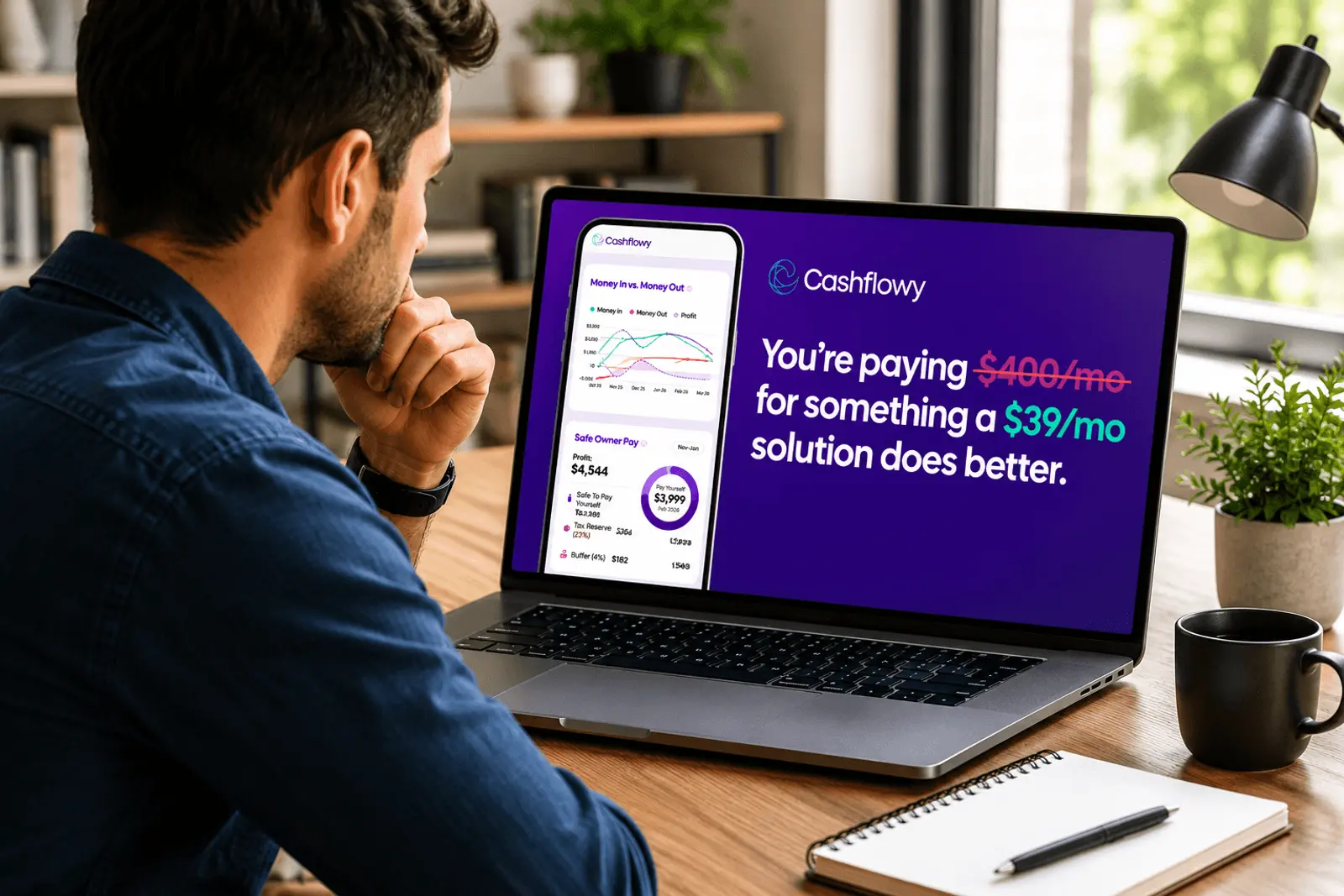
Choosing accounting software shouldn't take longer than setting it up. But with a dozen tools claiming to be the best, the comparison loops get long fast.
This guide cuts through it. Seven tools, honest assessments, and clear verdicts on who each one is actually built for. If you run a one-person service business in the US, the answer is near the top. If you run something more complex, you'll find it further down.
TL;DR
Not all accounting software is built for the same business. Most are designed for teams, employees, and accountants — not for one-person service businesses.
If you're a US service solopreneur, the only tool on this list that calculates Owner's Pay and includes a human bookkeeper is Cashflowy. Everything else tracks your past. Cashflowy tells you what to do next.
For early-stage solopreneurs on a tight budget, Wave's free tier is a solid starting point. For businesses scaling past solo, Xero. For invoicing-first freelancers, FreshBooks. For tax advisor compatibility, QuickBooks Solopreneur.
The one question to ask any tool: does it tell me what I can safely pay myself this month? If not, it's tracking your records — not helping you run your business.
Table of Contents
- How to choose: the right question to ask first
- The 7 best accounting software options for small businesses in 2026
- Quick comparison table
- The one thing most accounting software gets wrong for small service businesses
- FAQ
How to Choose: The Right Question to Ask First
Before comparing features, ask one question: Does this tool answer the questions I actually have?
A solopreneur's questions are: what can I pay myself this month, is my tax reserve funded for the next estimated tax deadline, and are my expenses in proportion to my revenue? Most accounting software doesn't answer these. It records transactions and produces reports.
A small business with employees, inventory, or multiple revenue streams needs different things: payroll management, COGS tracking, multi-user access, and GAAP-compliant reporting. Most major accounting platforms are built for this.
Know which category you're in before you choose.
The 7 Best Accounting Software Options for Small Businesses in 2026
1. Cashflowy — Best for US Service Solopreneurs
Price: $39/month or $390/year Best for: US-based service solopreneurs and freelancers earning $3,000–$25,000/month with no employees
The only tool on this list is built exclusively for one-person service businesses. Not "also suitable for" — exclusively for. Every feature exists to answer the questions a solopreneur actually has.
What makes it different:
- Owner's Pay calculation. Cashflowy calculates what you can safely take from the business based on your actual Real Revenue, after Tax Reserve and operating expenses are accounted for. No other tool on this list does this.
- Clara AI, your built-in financial coach. Trained on your actual transaction data. Ask about your current Owner's Pay, Tax Reserve balance, or operating expense breakdown in plain English, any time.
- Human bookkeeper, included at no extra charge. Live chat Monday to Friday 6 am–8 pm EST, Saturdays 9am–2 pm EST. Unlimited scheduled calls. No limit on how often you reach out.
- 15-minute setup. Connect your banks, which takes 2 minutes, let our smart AI categorize everything, make you a helpful, clean, real-time dashboard and reports. You’ll go from total mess to financial clarity in under 1 hour.
- What it doesn't do: Payroll. Multiple entities. Inventory. GAAP reporting. If you need those, Cashflowy is the wrong tool.
2. QuickBooks Online — Best All-Around for Small Businesses With Teams
Price: $35–$235/month depending on tier
Best for: Small businesses with employees, a bookkeeper on retainer, or a need for GAAP-compliant reporting
QuickBooks sets the standard for small-business accounting software. It integrates with hundreds of platforms, handles payroll, manages inventory, and produces reports that meet professional accounting standards.
The tradeoff: it's built for accountants and assumes accounting knowledge. It's powerful and widely supported, but customer support can be inconsistent. For a solopreneur without an accounting background, it's significant overkill.
Where it falls short for solopreneurs:
- No Owner's Pay calculation
- No human bookkeeper included — available as a separate cost
- Built for accountants, not one-person service businesses
- Pricing climbs quickly across tiers
Best fit: A small business with a bookkeeper managing the QBO file. Not right for a solopreneur who wants financial clarity without a finance background.
For a direct comparison, see how Cashflowy compares to QuickBooks.
3. Xero — Best for Growing Teams That Need Multi-User Access
Price: $15–$78/month depending on tier
Best for: Small businesses scaling past solo, with multiple team members needing financial access
Xero connects to over 1,000 apps and offers real-time reporting, strong bank reconciliation, and a clean interface that non-accountants can navigate. Good international support and multi-currency capability.
Where it falls short for solopreneurs:
- No Owner's Pay calculation
- No human bookkeeper included
- Multi-user infrastructure, 1,000+ integrations, and team-facing features are priced into every plan — you pay for capacity you don't use
- Tax features are weaker for US-based businesses compared to other markets
Best fit: A business that has grown past one person and needs shared financial access across a small team, or one with international clients.
4. Wave — Best Free Option for Early-Stage Solopreneurs
Price: Free (core) / $16/month (Wave Pro) / $149+/month with bookkeeper add-on
Best for: Brand-new freelancers and solopreneurs under $40,000 in annual revenue who need invoicing and basic tracking
Wave is the only truly free accounting software that covers the core basics — invoicing, expense tracking, receipt scanning, and basic reporting — without a trial or hidden fees. Genuinely useful at early stage.
Where it falls short:
- No Owner's Pay calculation
- No real-time Tax Reserve tracking
- No human bookkeeper without paying significantly more on top
- Above $40,000–$60,000 in annual revenue, the gaps become the main reason solopreneurs feel financially uncertain
For the full comparison, see how Cashflowy compares to Wave.
Best fit: Year one or two. A starting point, not a destination.
5. FreshBooks — Best for Freelancers Who Prioritise Invoicing
Price: $19–$55/month depending on tier
Best for: Service-based freelancers who bill by project or retainer and need strong client invoicing
FreshBooks is built for service-based businesses. Invoicing, time tracking, and client management are the standout features — genuinely excellent compared to most alternatives.
Where it falls short:
- Entry-level plan caps at 5 billable clients before forcing an upgrade
- No Owner's Pay feature
- No human bookkeeper
- Bookkeeping depth is thin — more of an invoicing tool than a full financial system
Best fit: Freelancers whose primary financial pain point is getting paid faster, not understanding their numbers.
6. Zoho Books — Best for Solopreneurs Already in the Zoho Ecosystem
Price: Free (under $50K revenue) / $15–$40/month above that
Best for: Small businesses already using Zoho CRM, Zoho Projects, or other Zoho tools
Zoho Books automates payment reminders, bank reconciliation, and expense categorisation. Free tier covers businesses under $50,000 in annual revenue. Reporting is stronger than Wave at the same price point.
Where it falls short:
- No Owner's Pay calculation
- No human bookkeeper
- Free tier has transaction limits most active solopreneurs will hit quickly
- The main reason to use it is the Zoho ecosystem integration — limited value outside it
Best fit: Solopreneurs already in Zoho's tool stack.
7. Kick — Best Free AI Categorization at Early Stage
Price: Free (core) / paid tiers for advanced features
Best for: Early-stage solopreneurs who want solid AI categorization without a monthly fee
Strong AI transaction categorization and a clean interface. The free tier is usable for basic expense tracking without a monthly cost.
Where it falls short:
- No Owner's Pay calculation
- No human bookkeeper
- Customer service issues are the most common complaint across review platforms
- Product still maturing — not yet reliable as a primary system above early-stage revenue
For a direct comparison, see how Cashflowy compares to Kick.
Best fit: Under $30,000 in annual revenue with a tax advisor managing everything else.
Quick Comparison Table
| Tool | Price/mo | Owner's Pay | Human Bookkeeper | Best For |
|---|---|---|---|---|
| Cashflowy | $39 | Yes | Yes, included | US service solopreneurs |
| QuickBooks Online | $35–$235 | No | No (separate) | Teams, complex businesses |
| Xero | $15–$78 | No | No | Growing teams, multi-user |
| Wave | Free / $16+ | No | Add-on ($149+) | Early-stage, budget-limited |
| FreshBooks | $19–$55 | No | No | Invoicing-first freelancers |
| Zoho Books | Free / $15+ | No | No | Zoho ecosystem users |
| Kick | Free / paid | No | No | Early-stage categorization |
The One Thing Most Accounting Software Gets Wrong for Small Service Businesses
Every tool on this list, except Cashflowy, automates the same two things: data entry and categorization. They pull transactions, sort them into categories, and produce a P&L.
That's useful. It's not enough.
A solopreneur running a one-person service business doesn't primarily need a categorized P&L. They need to know three things:
- What they can safely pay themselves this month
- Whether their Tax Reserve is funded ahead of the next estimated tax deadline
- Whether their operating expenses are in proportion to their revenue
None of the major platforms answers these questions. They give you the data to figure it out yourself. Cashflowy gives you the answers.
For a full breakdown of what solopreneur bookkeeping actually requires, see the complete solopreneur bookkeeping guide.
Frequently Asked Questions
What is the best accounting software for a small business in 2026?
Depends on your business type. For a one-person US service business — coach, consultant, freelancer, therapist, designer — Cashflowy is the best fit. It's the only tool that calculates Owner's Pay, includes a human bookkeeper at no extra charge, and trains its AI on your specific data. For small businesses with employees or inventory, QuickBooks Online is the most capable all-around option. For businesses scaling past solo, Xero is worth considering.
What is the cheapest accounting software for small businesses?
Wave is free for core features. Zoho Books is free for businesses under $50,000 in annual revenue. Cashflowy is $39/month and includes a human bookkeeper — making it cheaper than Wave once you add Wave Advisors ($149+/month) for the same human bookkeeping access.
Do small businesses need accounting software or a bookkeeper?
Most small businesses need both — software to handle the data layer and a human available to review and answer questions. Hiring a bookkeeper separately typically costs $300–$500/month on top of software fees. Cashflowy includes both for $39/month. For the full cost breakdown, see what a bookkeeper actually costs in 2026.
Is QuickBooks worth it for a solopreneur?
Generally, no, unless your tax advisor specifically requires a QBO file or you have employees and payroll needs. QuickBooks is priced for teams and built for accountants. Most solopreneurs pay for complexity they don't use and miss features that would actually help — like Owner's Pay calculation and real-time Tax Reserve tracking.
What accounting software is best for self-employed people with variable income?
A tool with percentage-based Owner's Pay calculation and real-time Tax Reserve tracking — both of which handle variable income automatically. Cashflowy calculates Owner's Pay as a percentage of actual Real Revenue received each period, so strong months pay more and slow months pay less, proportionally. No manual adjustment required.